Change where your QR code points without reprinting it.
Create one permanent QR code for menus, reviews, flyers, properties, events or anything else — then update the destination anytime.
Free forever for one code · No credit card
qrlink.productears.com/menu
Three steps. One code that never goes out of date.
- Step 1
Create your QR code
Name it, choose a short link like /menu, and paste where it should go.
- Step 2
Print it anywhere
Download a high-resolution PNG or SVG for menus, signs, flyers and cards.
- Step 3
Change the destination anytime
Update the link in seconds. The printed code keeps working — no reprint.
Popular use cases
Create a QR code for what matters
One QR code. Update the destination anytime.
- Most popular
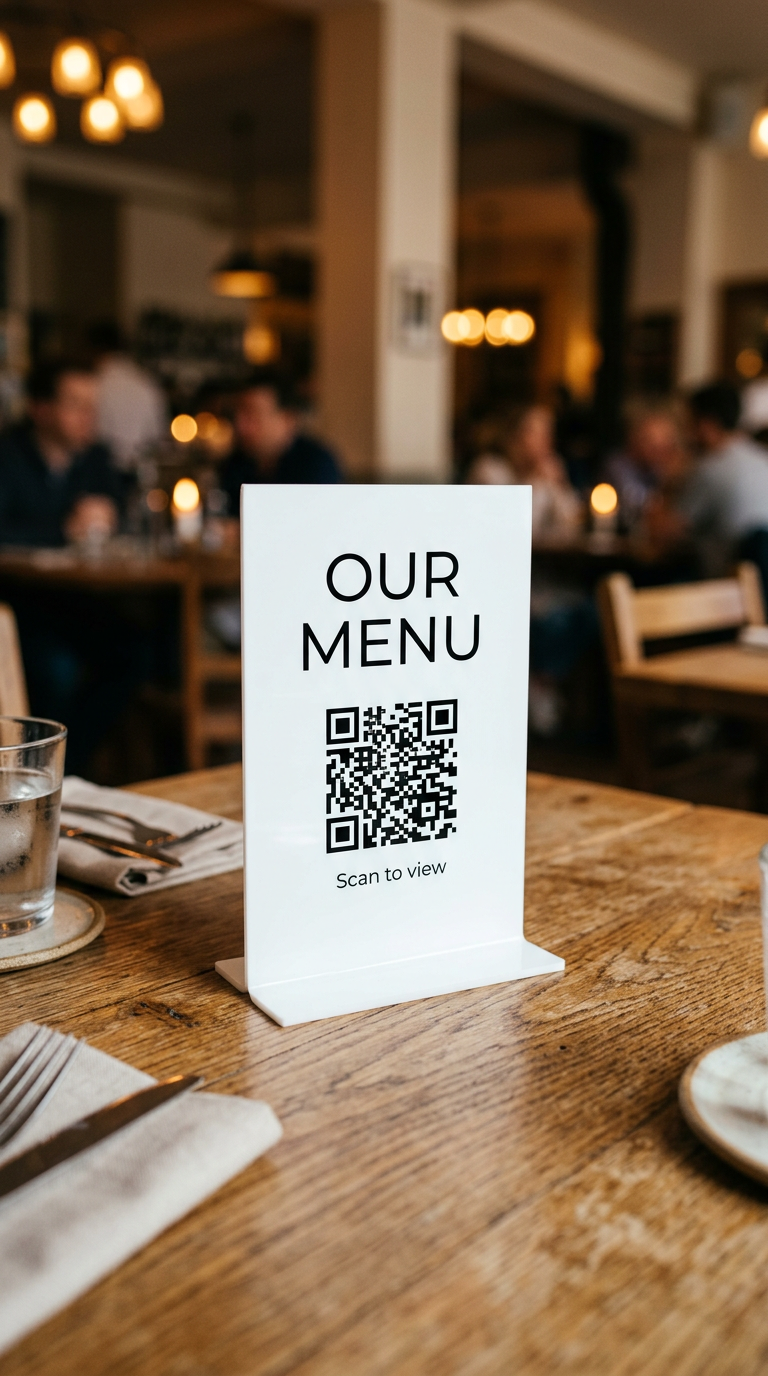
- High conversion
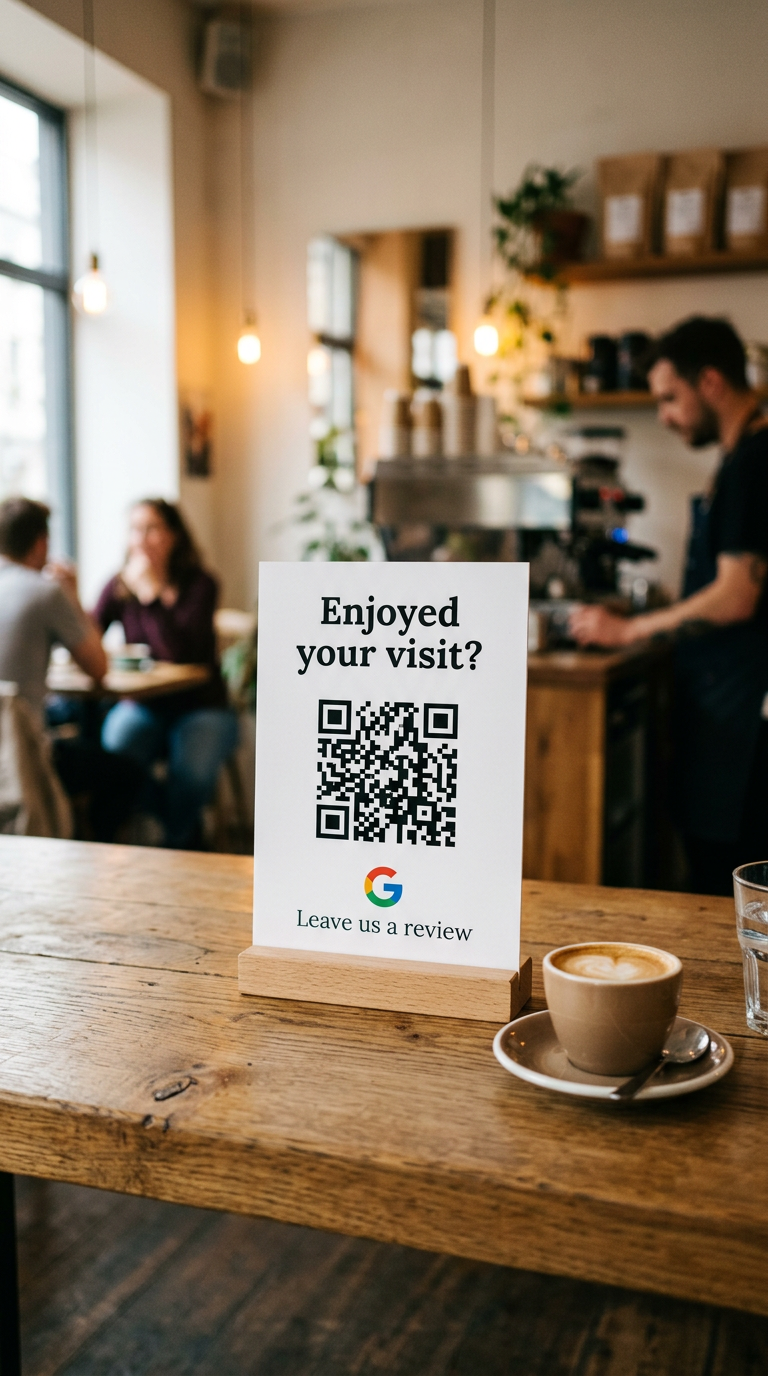
- Easy setup
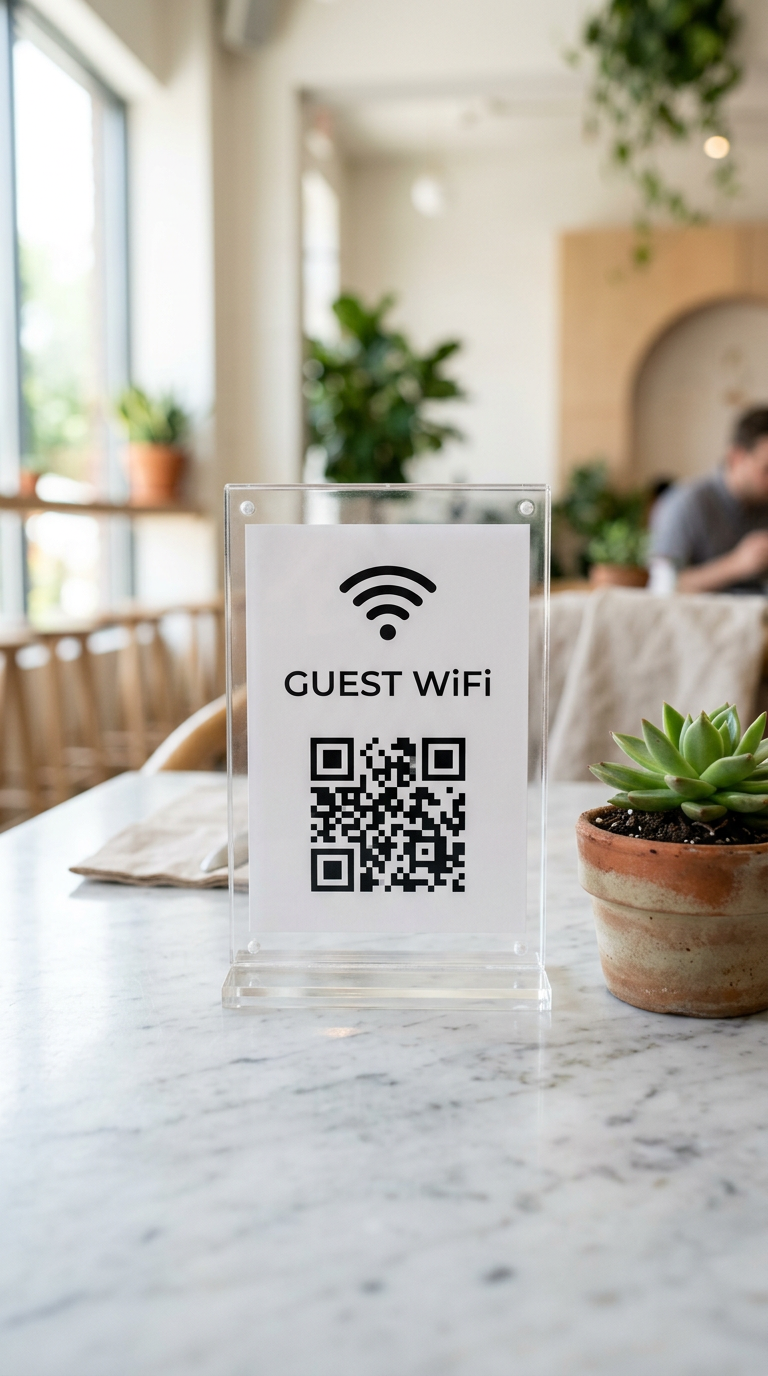
- New
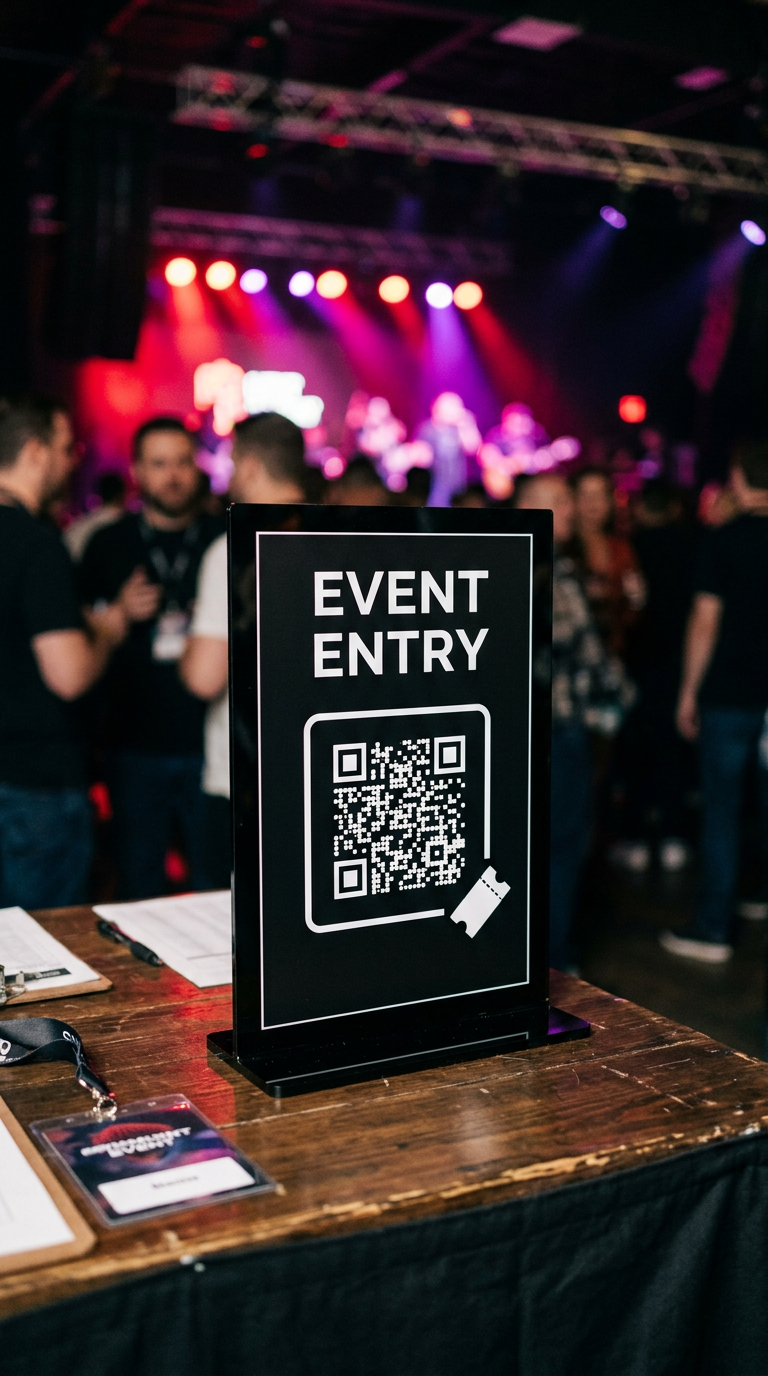
Built for real businesses
Used in businesses everywhere
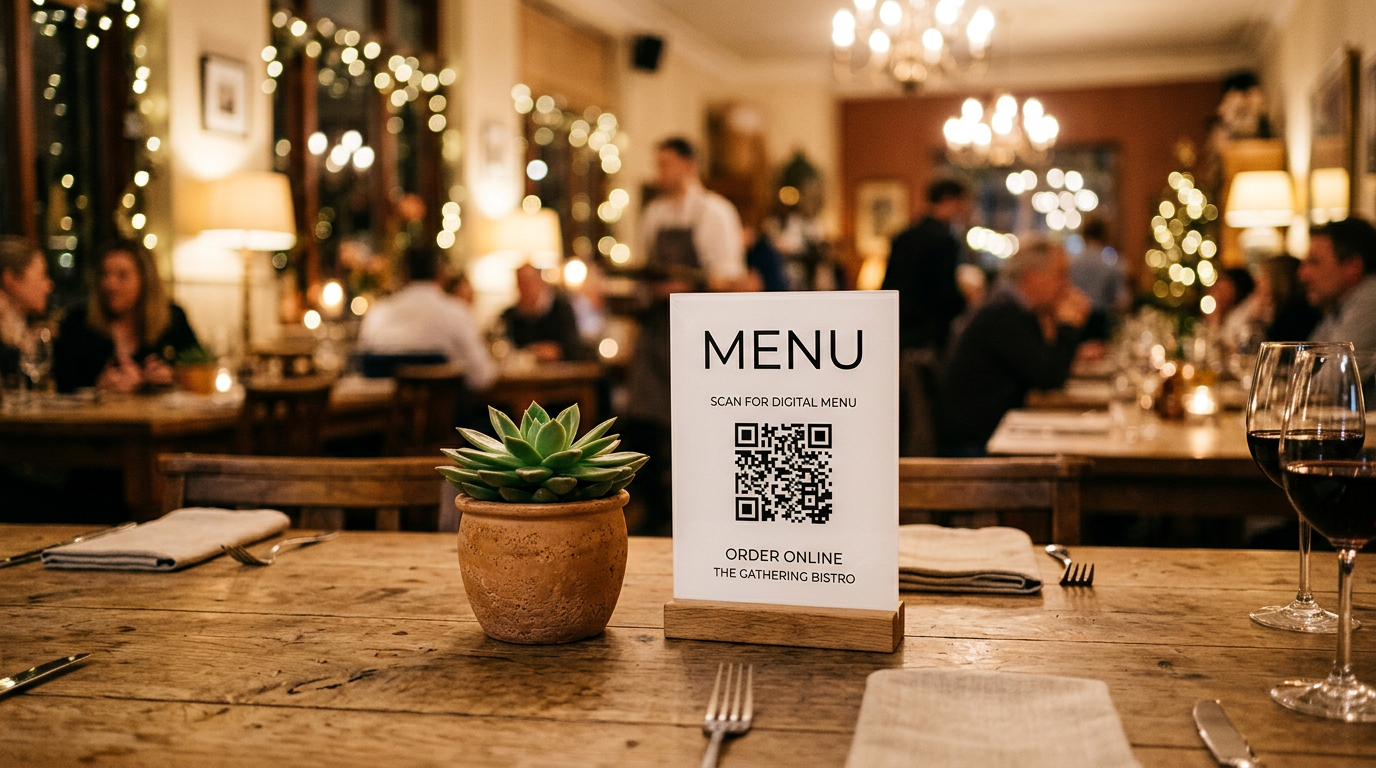
Restaurants & Cafés
Digital menus, specials and promotions that you can update anytime.
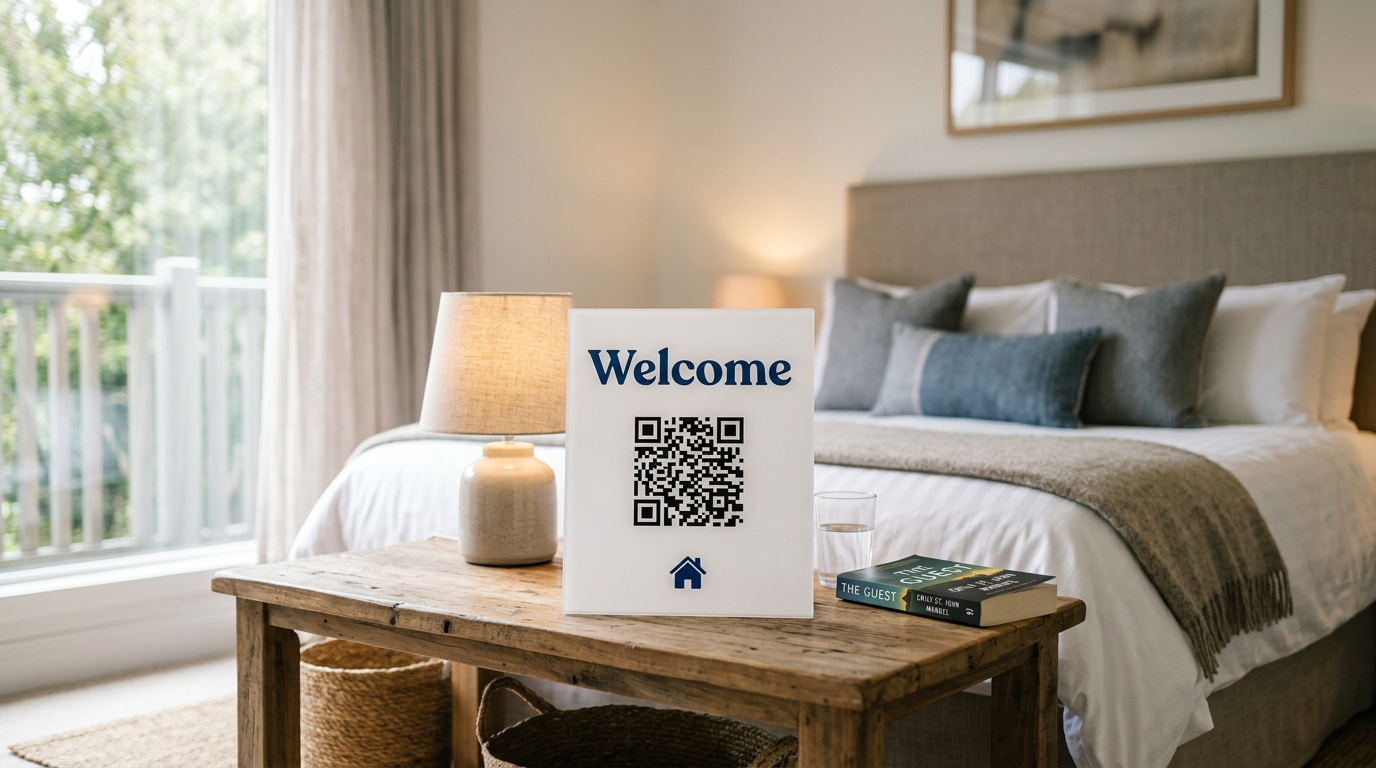
Airbnb & Short Stays
Share WiFi, house rules, local tips and guides in one place.
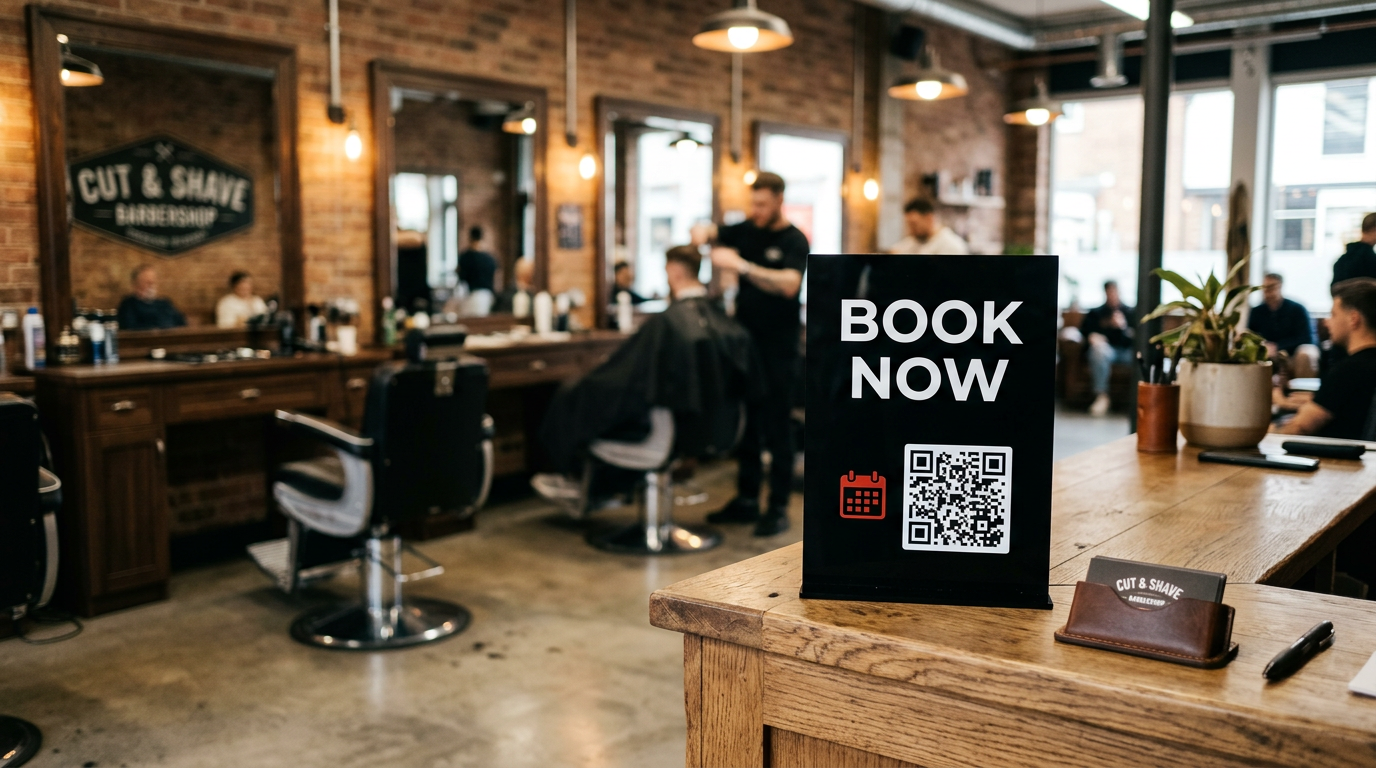
Salons, Barbers & Personal Trainers
Booking links, service lists and contact details.
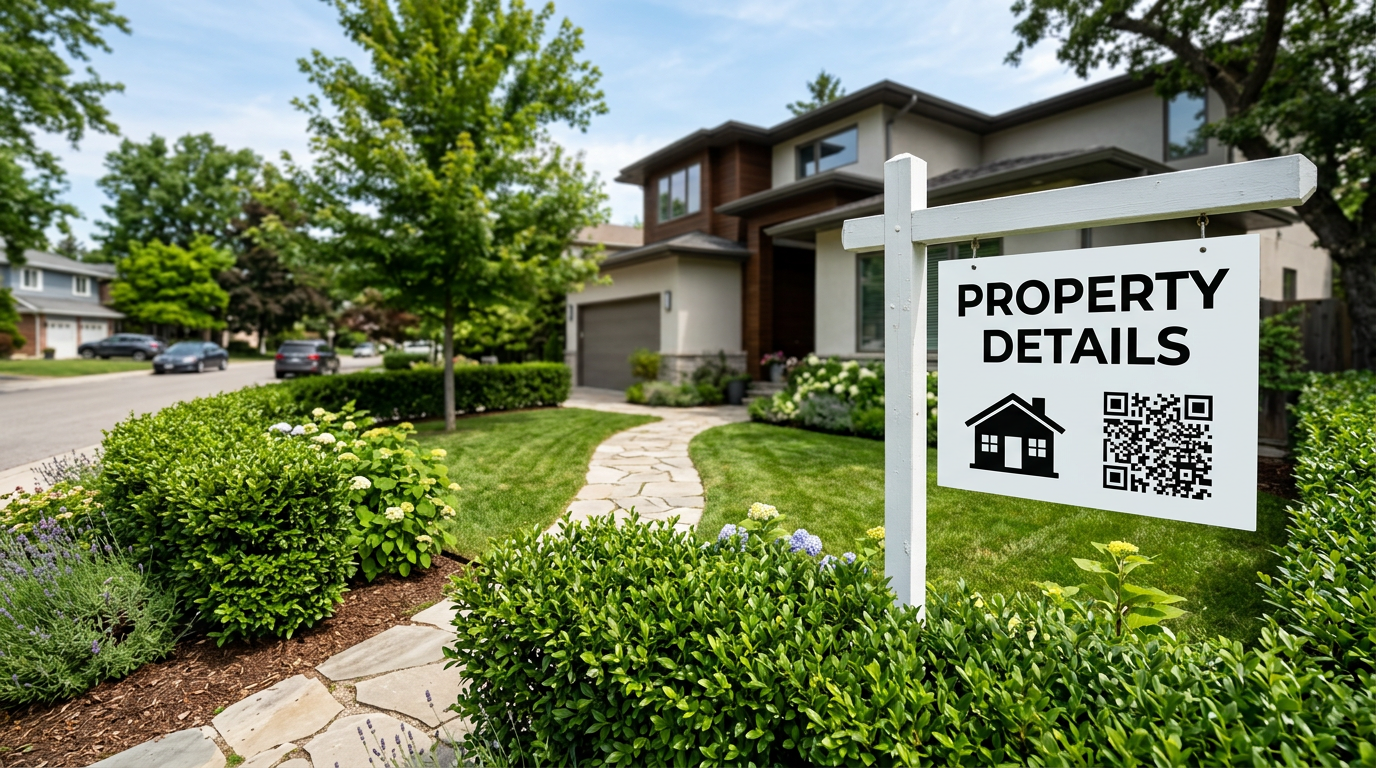
Real Estate Agents
Property brochures, open house details and agent contact information.
Normal QR codes are permanent mistakes.
A regular QR code bakes the URL into the pattern. Change your website and every flyer, menu and sign is suddenly useless. QRLink codes point to a short link you control — so the print stays, and the destination moves.
| Feature | Normal | QRLink |
|---|---|---|
| Change the destination after printing | ||
| See how many people scanned | ||
| Fix a typo in the link | ||
| Schedule menus by time of day |
Simple pricing. Cancel anytime.
Start free. Upgrade when one code isn't enough.
Plus
Most popular€4.99/ month
- 10 dynamic QR codes
- Unlimited scans
- QR code customization
- Basic analytics
- Custom QR colours
- Logo inside QR
- Remove QRLink branding
Pro
€7.99/ month
- 50 dynamic QR codes
- Unlimited scans
- Everything in Plus
- Scheduled destinations
- Password-protected links
- Advanced analytics
- PDF hosting
- Google review pages
Questions, answered
What is a dynamic QR code?
It is a QR code that points to a short link (like qrlink.app/menu). The short link redirects to whatever destination you choose, and you can change that destination anytime.
Can I change the destination after printing?
Yes — that is the whole point. Edit the destination in your dashboard and every printed copy of the code instantly sends people to the new page.
Will my QR code stop working?
Your code keeps working as long as the link is active in your account. Free accounts keep their code working too — we never hold your printed codes hostage.
Do I need technical knowledge?
No. If you can paste a link, you can use QRLink. Creating your first QR code takes under a minute.
Can I cancel anytime?
Yes. Cancel from the billing page in one click. You keep your paid features until the end of the billing period.
What happens if I downgrade?
Your existing QR codes keep redirecting. You just cannot create new codes beyond your plan limit, and paid-only customisations stay as they are until you change them.
Your next print run could be your last.
Create a permanent QR code free. Upgrade only when you need more.